AI API Streaming: SSE, First Output & Timeouts
Build reliable AI API streaming with correct Chat and Responses events, SSE parsing, first-effective-output metrics, phased timeouts, and 499 diagnosis.
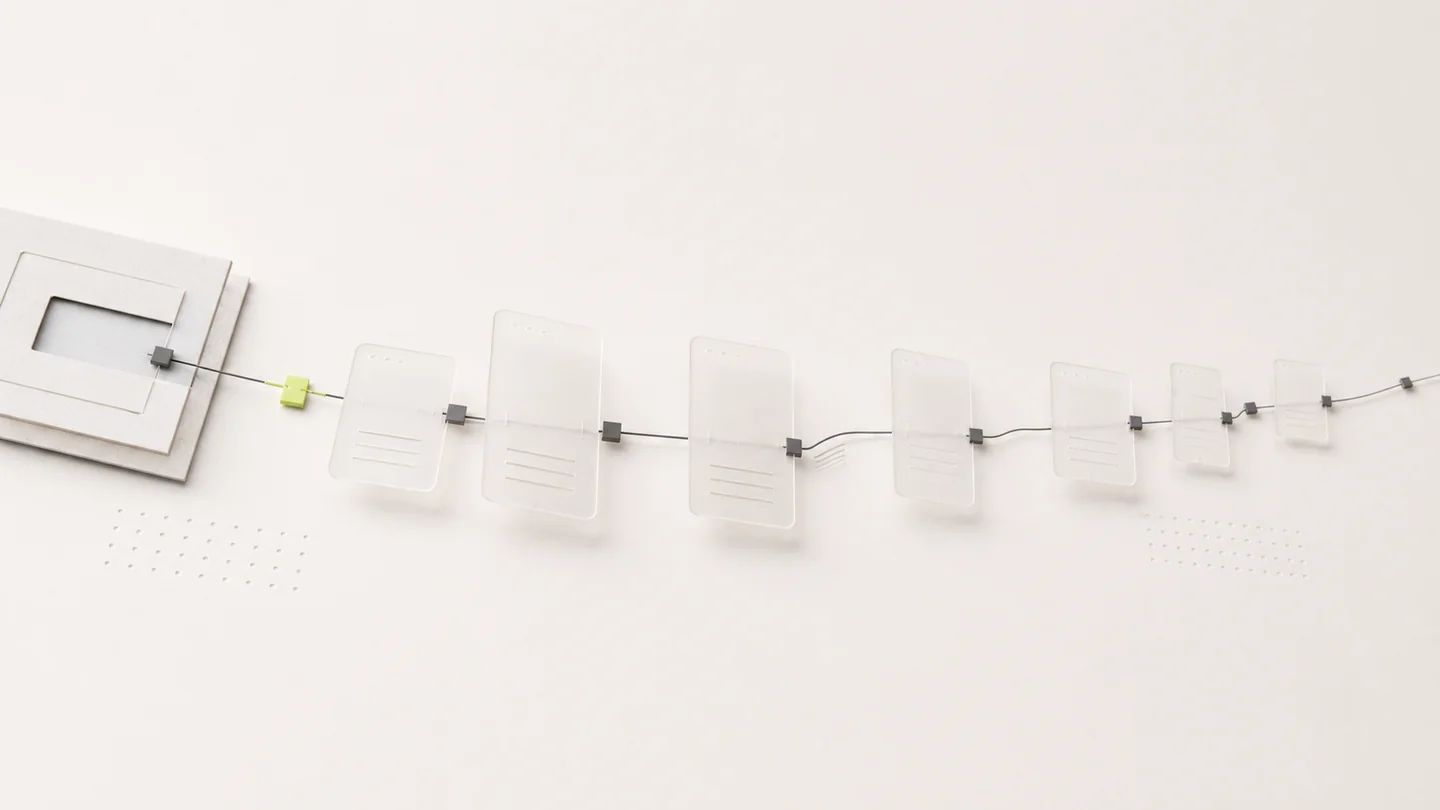
AI API streaming sends output incrementally while a model is generating instead of waiting for the complete response body. It can improve perceived responsiveness, but it does not automatically reduce model latency, and it adds a protocol contract that the client must parse correctly.
The first rule is to match the parser to the endpoint. Chat Completions uses streamed completion chunks, while Responses uses typed response events. A client can receive HTTP 200 and still render nothing if it expects the wrong event shape.
Start with an unbuffered request
For a Chat Completions model, curl -N disables curl output buffering:
curl -N -sS https://modelflare.dev/v1/chat/completions \
  -H "Authorization: Bearer $MODELFLARE_API_KEY" \
  -H "Content-Type: application/json" \
  -d '{
    "model": "YOUR_CHAT_MODEL",
    "messages": [{"role": "user", "content": "Explain SSE in three points."}],
    "stream": true
  }'
For a Responses-compatible model:
curl -N -sS https://modelflare.dev/v1/responses \
  -H "Authorization: Bearer $MODELFLARE_API_KEY" \
  -H "Content-Type: application/json" \
  -d '{
    "model": "YOUR_RESPONSES_MODEL",
    "input": "Explain SSE in three points.",
    "stream": true
  }'
Use an exact model ID from Models & Pricing. Test the same request once with streaming disabled first; this separates request validation from stream parsing.
Treat the event stream as a protocol
Server-Sent Events are framed records, not arbitrary JSON fragments. A production client needs to:
- keep the response body unbuffered through its HTTP library, proxy, and UI layer;
- accumulate partial network reads until a complete event is available;
- parse the event type used by the selected endpoint;
- handle text deltas, reasoning or tool events, completion events, and error events;
- avoid assuming that every useful response contains visible text;
- preserve cancellation and final usage information;
- close the stream after a terminal event instead of waiting forever.
When possible, use an SDK that natively supports the chosen protocol. A home-grown parser should be tested with fragmented frames, multiple events in one read, tool-only output, and a clean terminal event.
Measure more than time to first token
“Time to first token” is often too vague for agent traffic. Separate these measurements:
| Measurement | What it means |
|---|---|
| Connection and authentication | Time to reach the gateway and validate the key |
| Service provider response headers | Time until the selected route starts a response |
| First effective output | First useful text, reasoning, or tool event |
| First visible text | First text a user can actually see |
| Output throughput | Visible generation speed after output begins |
| Total response time | Time until completion, failure, or cancellation |
A tool call may produce effective output before any visible text. For that reason, first effective output is the safer operational metric, while first visible text is useful for user experience.
Modelflare usage logs retain request-level timing evidence so these phases can be compared with model, group, status, tokens, and cost.
Design timeouts by phase
One short global timeout creates ambiguous failures. A streaming client should reason about several budgets:
- Connection timeout: failure to establish the HTTP connection.
- Header or first-output timeout: no response or effective event after the request was accepted.
- Idle timeout: the stream started but no new event arrived for an unexpectedly long period.
- Overall deadline: the complete operation exceeded the workload's business limit.
Reasoning-heavy or tool-driven requests can legitimately wait longer before visible text than a short chat completion. Choose budgets from observed workload behavior, and cancel intentionally when the user no longer needs the result.
Understand cancellation and 499 records
If the client, reverse proxy, browser tab, or caller deadline closes the downstream connection, the gateway can record the request as client-cancelled. A 499 label in a request record is evidence that the downstream connection ended before completion; it is not proof by itself that the selected model or channel failed.
When investigating cancellation, compare:
- the client deadline and abort signal;
- proxy buffering and idle timeouts;
- time until first effective output;
- whether any event reached the client;
- the selected model and group;
- the request ID and cancellation timestamp.
Diagnose a stream that returns no visible text
Use this order:
- Repeat the request with "stream": false.
- Confirm the model supports the selected endpoint.
- Capture raw events before the UI transforms them.
- Check whether the response contains a tool call or reasoning event instead of text.
- Verify that an intermediary is not buffering the body.
- Confirm that the parser handles the endpoint's terminal event.
- Review usage logs for status, first output, total time, and cancellation.
If non-streaming works and raw streaming events arrive, the failure is usually in client parsing or rendering rather than authentication or model access. If no raw event arrives, continue with the AI API Error Guide.
Production streaming checklist
- Match the parser to Chat Completions or Responses explicitly.
- Disable buffering in the HTTP client and every controlled proxy layer.
- Test text, reasoning, tool-only, and error events used by the application.
- Distinguish first effective output from first visible text.
- Use phase-appropriate timeouts and an intentional abort signal.
- Treat retries as new requests unless the operation has a safe idempotency design.
- Preserve request ID, status, selected model, group, and timing for diagnosis.
- Compare the endpoint decision in Responses API vs Chat Completions.
Frequently asked questions
Does streaming make the model generate faster?
Not necessarily. Streaming exposes output earlier; generation speed and time before the first event still depend on the model, route, context, reasoning, and tools.
Why does curl work while the application shows nothing?
The application or an intermediary may buffer the body, or the parser may expect Chat Completions chunks while receiving Responses events. Capture raw frames at the application boundary before changing the model or route.
Should a client retry after a stream disconnects?
Only when repeating the operation is safe. A disconnected stream may have already caused service provider work or tool activity. Use bounded retries and application-level idempotency where duplicate side effects matter.