GLM-5.3, Kimi K3, and Qwen3.8-Max: Capabilities, Pricing, and API Setup
A fact-checked launch guide to GLM-5.3, Kimi K3, and Qwen3.8-Max covering first-party capabilities, current Modelflare prices, model groups, Chat Completions, Responses, Anthropic Messages, and production checks.
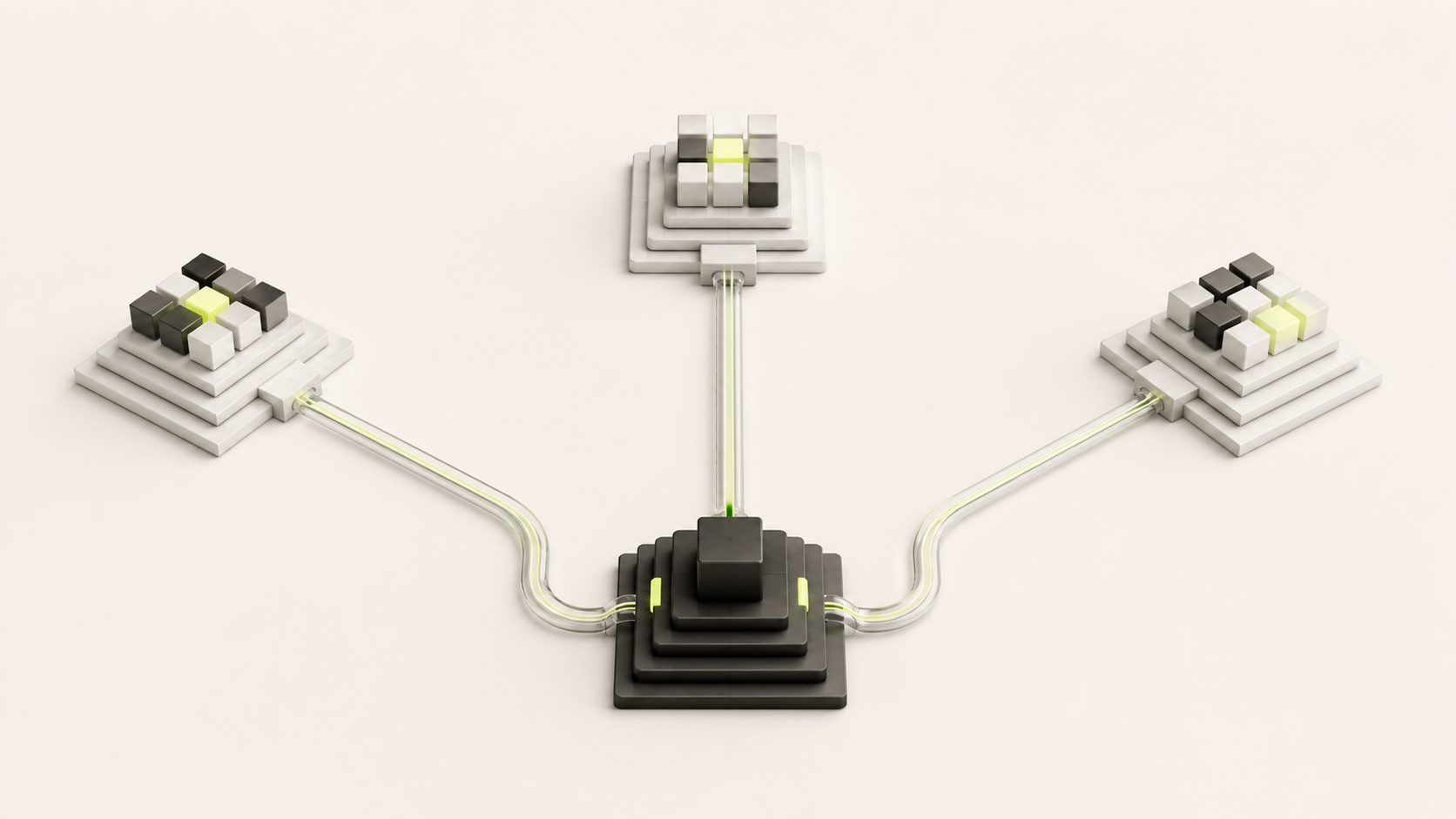
Modelflare now exposes glm-5.3, kimi-k3, and qwen3.8-max through one compatible gateway. This launch guide explains what each model is good at, the current USD price snapshot, the three supported request contracts, and a safe path from API key creation to a production probe.
The model descriptions below separate first-party documentation from Modelflare catalog facts. A provider claim is not automatically a gateway feature: always check the live model row and test the exact endpoint your client uses.
Volatile model availability, group ratios, and prices in this page were checked on August 29, 2026. The Modelflare pricing page remains the authority after that date.
Three models at a glance
| Model ID | Good starting point | First-party capability notes | Context and reasoning |
|---|---|---|---|
| glm-5.3 | Complex coding and long-horizon agent work | Z.ai positions GLM-5.3 for difficult coding and longer agent tasks; its API keeps thinking enabled | Thinking is always on; documented effort levels are low, high, and max, with max as the default |
| kimi-k3 | Long-context coding and knowledge work | Kimi documents native visual understanding and end-to-end, long-horizon work | Up to 1M context; thinking is always on; effort levels are low, high, and max, default max |
| qwen3.8-max | Professional workflows and long-running agents | Qwen documents a 2.4T-total / 95B-active MoE model with coding, visual input, and tool-oriented workflows | 1M context; text, image, and video input; text output; some tools depend on region and endpoint |
Read the GLM-5.3 announcement, Kimi model selection guide, and Qwen3.8-Max reference for the vendors' current wording. Their benchmark numbers are provider-reported and are not a Modelflare guarantee.
Choose by workload
- Choose glm-5.3 when the task needs sustained planning, difficult code changes, or a longer agent loop and you can budget for always-on reasoning.
- Choose kimi-k3 when a very large context, visual understanding, or an end-to-end knowledge-work loop is central to the request.
- Choose qwen3.8-max when a 1M-token window, multimodal input, structured tool workflows, or professional automation matters.
These are starting points, not a universal ranking. Replay a privacy-safe sample of your own tasks and measure successful-task cost, retries, latency, and review time. A large context limit is a ceiling, not a promise that every position will be equally useful or fast.
Modelflare price snapshot
The following are USD per 1 million tokens for the current public Modelflare groups. The group multiplier is 0.8x, matching the launch announcement's “official price × 0.8” wording.
| Model | Group | Input | Output | Cached input |
|---|---|---|---|---|
| glm-5.3 | glm-stable | $1.12 | $3.52 | about $0.21 |
| kimi-k3 | kimi-stable | $2.40 | $12.00 | $0.24 |
| qwen3.8-max | qwen-stable | $1.60 | $4.80 | $0.20 |
Values are calculated from the live catalog's input price, completion ratio, cache ratio, and group multiplier, then rounded for readability. If the pricing page shows a separate cache-write field, use that field for cache creation rather than inferring it from the read price.
The three groups currently show rpm: 0, which means no fixed platform-side group RPM cap is configured in the catalog. It does not remove upstream, account, network, or abuse controls. Prices and availability can change; use the live pricing page and the usage record for reconciliation.
One gateway, three API contracts
As of this snapshot, the Modelflare catalog marks all three model IDs for these public formats:
| Contract | Endpoint | Authentication | Best fit |
|---|---|---|---|
| OpenAI Chat Completions | POST /v1/chat/completions | Authorization: Bearer | Existing chat clients and broad SDK compatibility |
| OpenAI Responses | POST /v1/responses | Authorization: Bearer | Clients that consume Responses items and events |
| Anthropic Messages-compatible | POST /v1/messages | x-api-key or Bearer plus anthropic-version | Anthropic-shaped clients and message streams |
The shared OpenAI-compatible base URL is https://modelflare.dev/v1. Anthropic SDKs normally use https://modelflare.dev as the base and append /v1/messages. Endpoint availability is not feature parity: verify streaming events, tools, structured output, multimodal input, and reasoning controls separately.
Connect through Modelflare
- In API Keys, create or update a key and grant it the group that contains the desired model: glm-stable, kimi-stable, or qwen-stable.
- Keep the key in an environment variable. Do not paste it into source control, browser storage, or a support ticket.
- Confirm the authenticated /v1/models response, then send a small non-streaming request using the exact model ID.
- Test streaming as a separate contract before moving an agent or user-facing workload.
Chat Completions
export MODELFLARE_API_KEY='YOUR_MODELFLARE_API_KEY'

curl -sS https://modelflare.dev/v1/chat/completions \
  -H "Authorization: Bearer $MODELFLARE_API_KEY" \
  -H "Content-Type: application/json" \
  -d '{
    "model": "kimi-k3",
    "messages": [{"role": "user", "content": "Summarize the migration risks in three bullets."}],
    "stream": false
  }'
Responses API
curl -sS https://modelflare.dev/v1/responses \
  -H "Authorization: Bearer $MODELFLARE_API_KEY" \
  -H "Content-Type: application/json" \
  -d '{
    "model": "qwen3.8-max",
    "input": "Return a short checklist for a safe database migration.",
    "stream": false
  }'
Anthropic Messages
curl -sS https://modelflare.dev/v1/messages \
  -H "x-api-key: $MODELFLARE_API_KEY" \
  -H "anthropic-version: 2023-06-01" \
  -H "Content-Type: application/json" \
  -d '{
    "model": "glm-5.3",
    "max_tokens": 256,
    "messages": [{"role": "user", "content": "List the first three rollout checks."}]
  }'
The examples intentionally use plain text and stream: false. Add streaming only after the client handles that protocol's event format. Preserve explicit zero and false values when they carry meaning, and do not copy a provider-specific field from one model into another without checking its contract.
Verify before production
- List models with the same key and confirm the exact ID and group are visible.
- Run one non-streaming and one streaming probe for the endpoint the application will actually call.
- If the workload uses tools, structured output, images, video, or reasoning controls, test each feature on the selected model; a successful text response is not proof.
- Record request status, selected group, input/output/cache tokens, latency, retries, and final charge from the usage record.
- Keep application retries bounded and distinguish a temporary capacity response from a terminal model or policy error.
- Recheck the live pricing page before a high-volume launch; the page and usage record outrank a copied table.
FAQ
Are these prices permanent? No. This is a dated catalog snapshot. The live pricing page is the source of truth.
Does rpm: 0 mean unlimited traffic? No. It means the group has no configured platform-side RPM ceiling. Provider, account, network, and safety limits can still apply.
Can one payload be sent to all three protocols? No. Keep the model ID but adapt the envelope, authentication, response parser, and streaming handler to the selected contract.
Which models have a documented 1M context window? Kimi K3 and Qwen3.8-Max do in the linked first-party references. This page makes no 1M claim for GLM-5.3.
Sources and freshness
- Z.ai: GLM-5.3
- Kimi API model selection
- Alibaba Cloud Model Studio: Qwen3.8-Max
- Modelflare live pricing
- Qwen3.8-Max deep guide on Modelflare
- OpenAI-compatible API guide
- Responses API vs Chat Completions
Update record: August 29, 2026 — initial launch guide; first-party capability pages, Modelflare groups, endpoint flags, and prices were checked on this date.